• Background Color


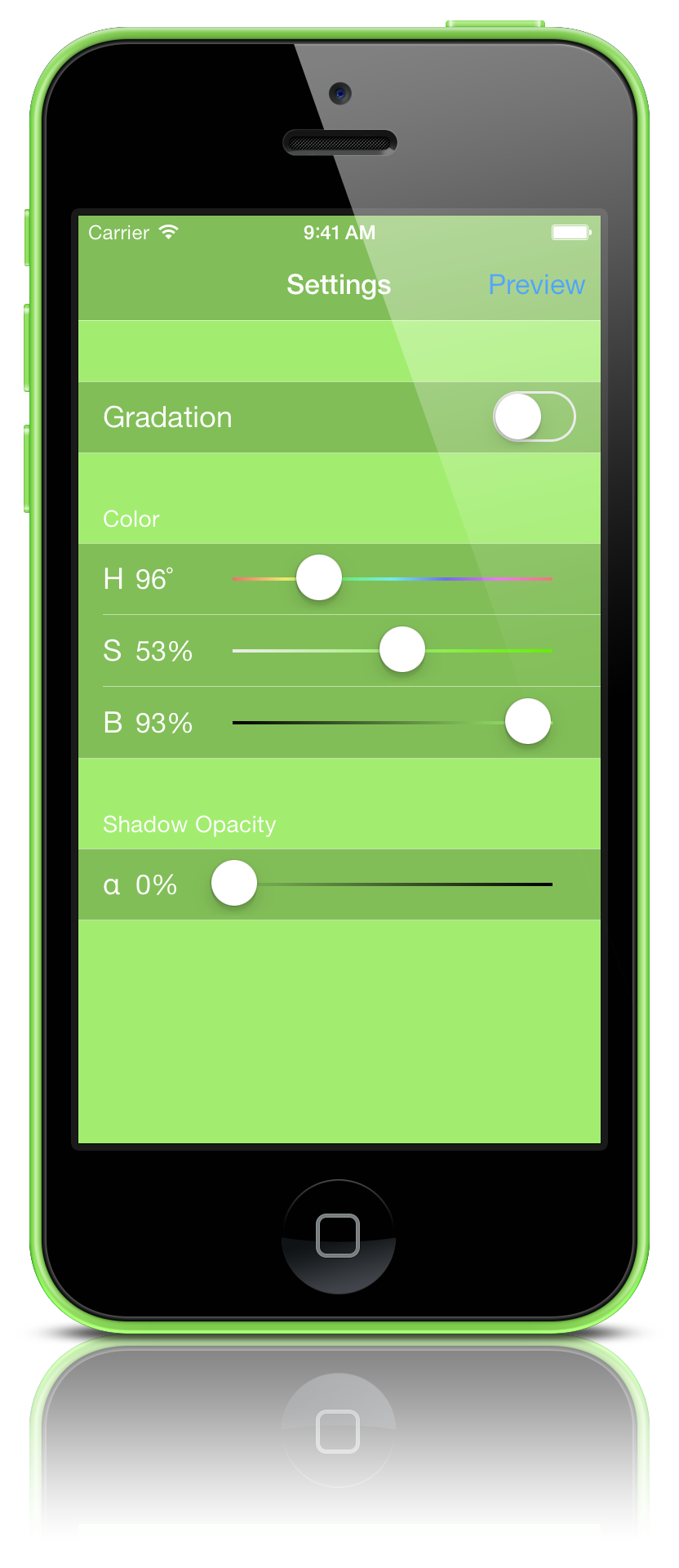
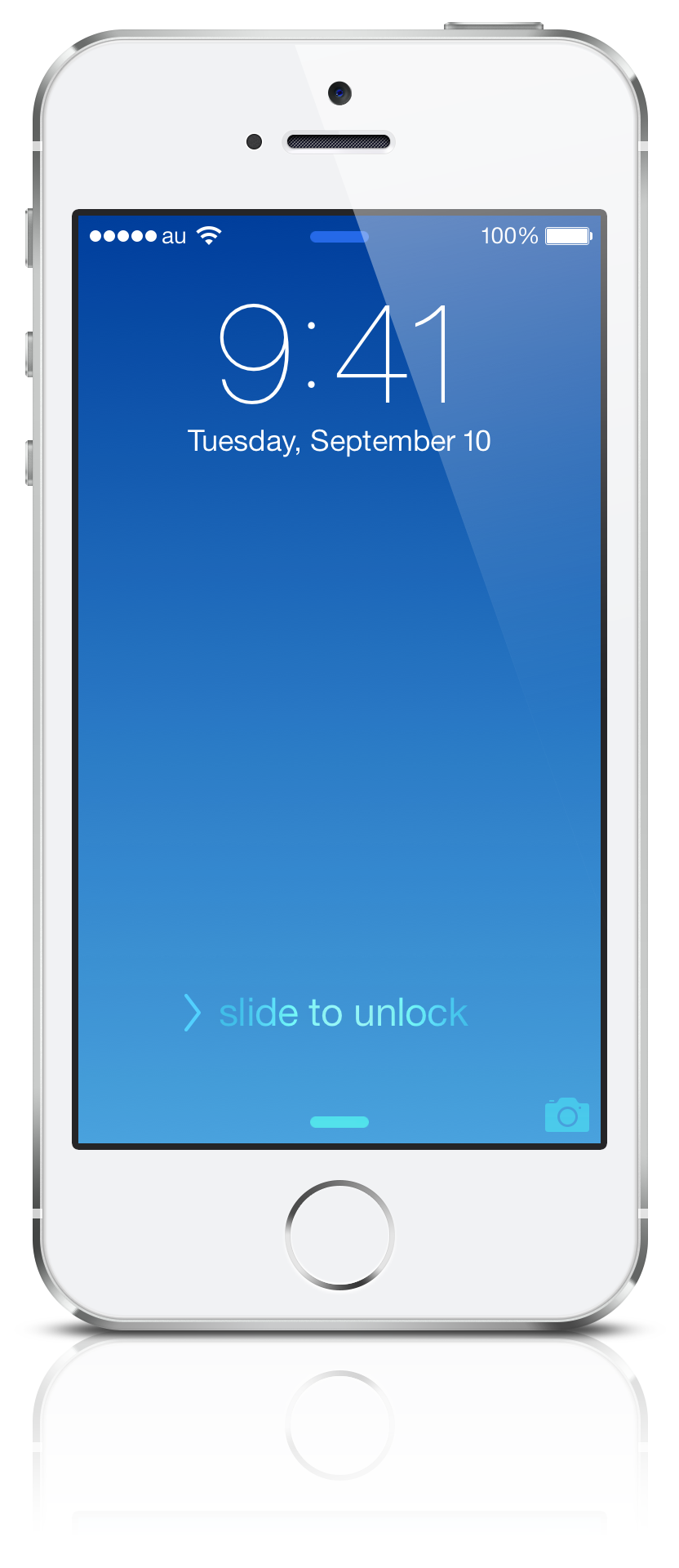
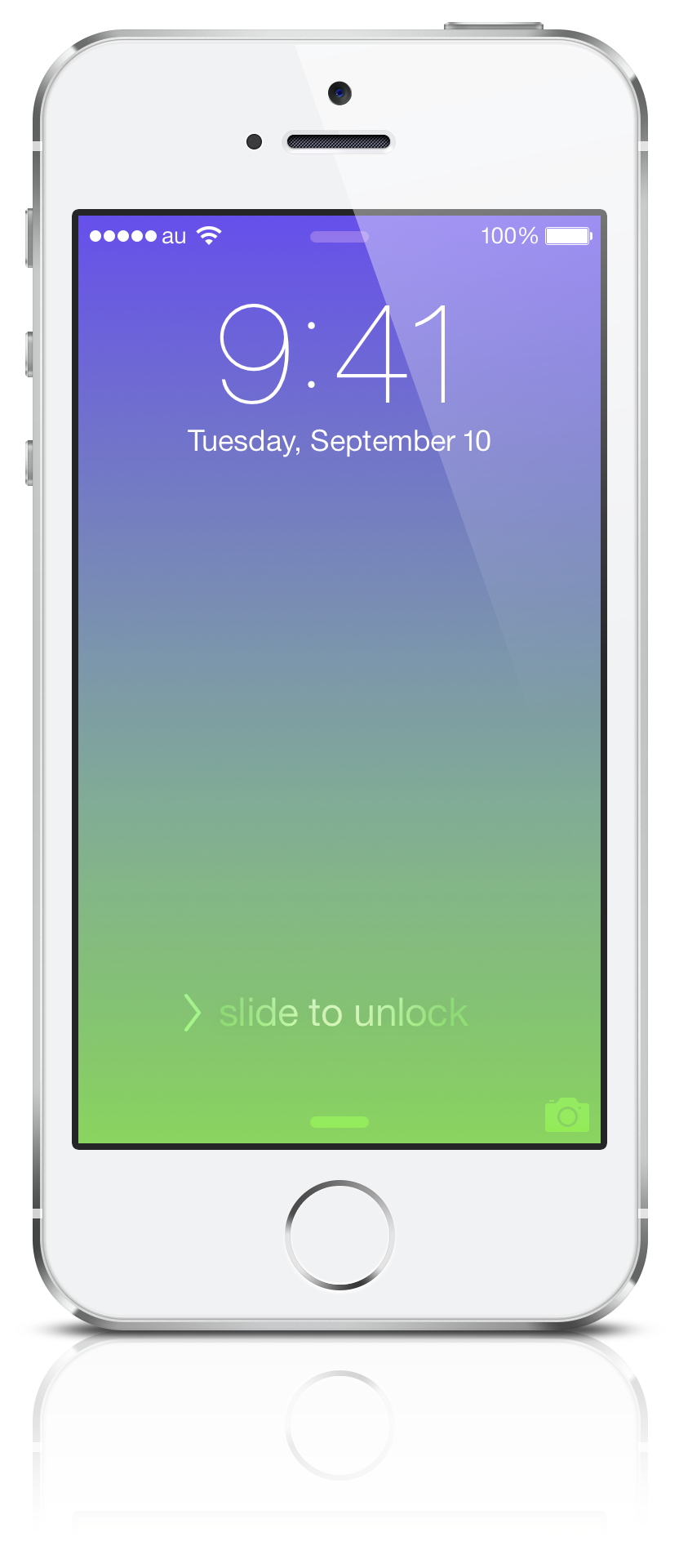
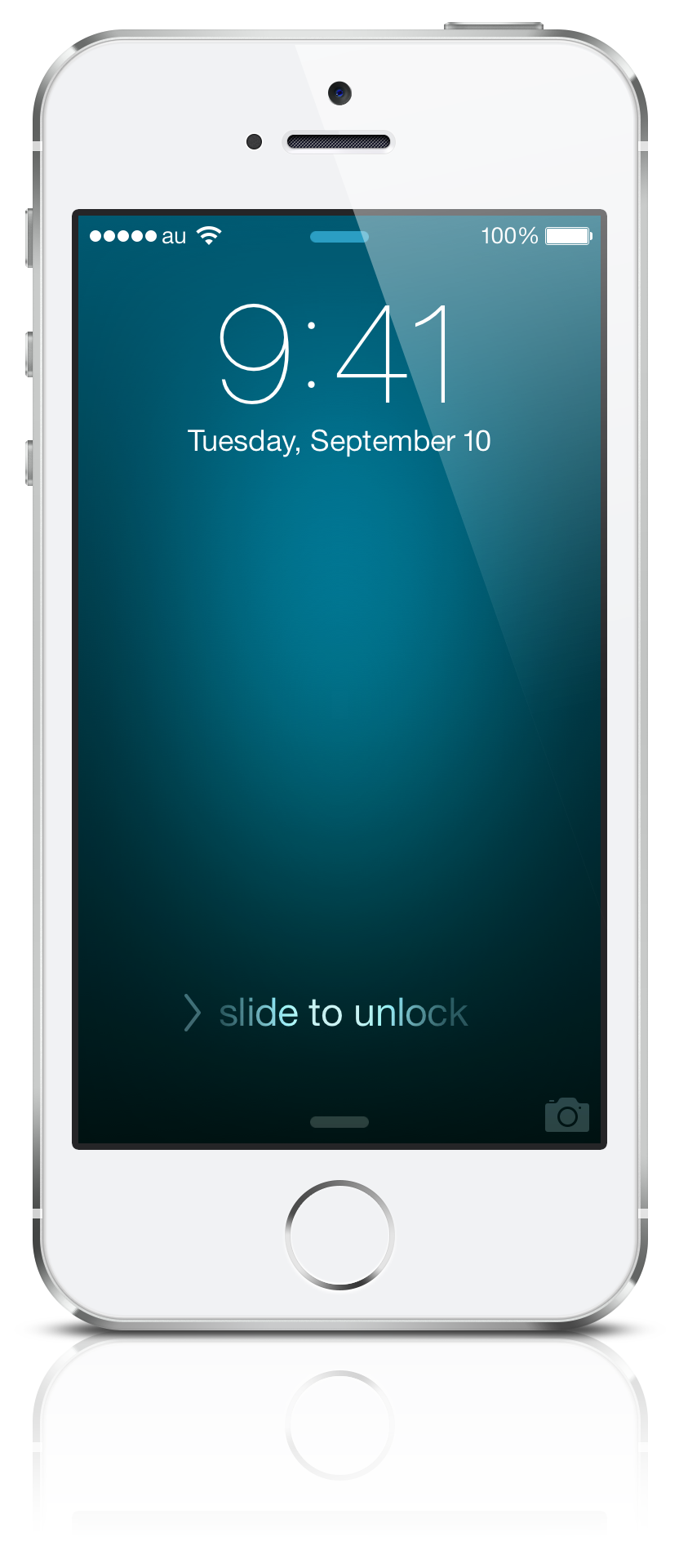
Background Color lets you create beautiful wallpapers easily with 40 preset colors and customizable color settings. You can also add a calendar (up to 2 months) that works for both the Lock Screen and the Home Screen.
【Settings】
• Preset Colors: Choose your favorite from 40 preset colors grouped into six categories (iPhone, Jewel, Sky, Seasons, Nature, and Solar System).
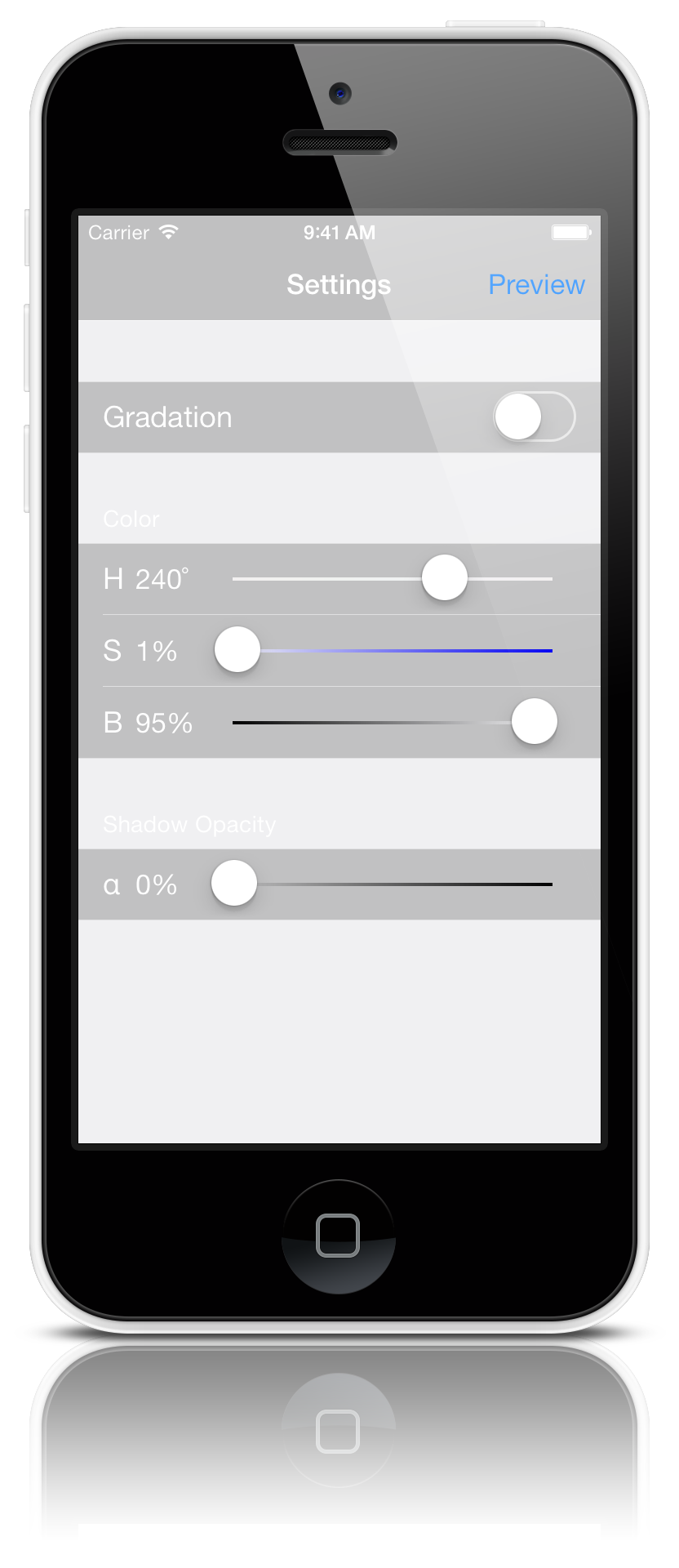
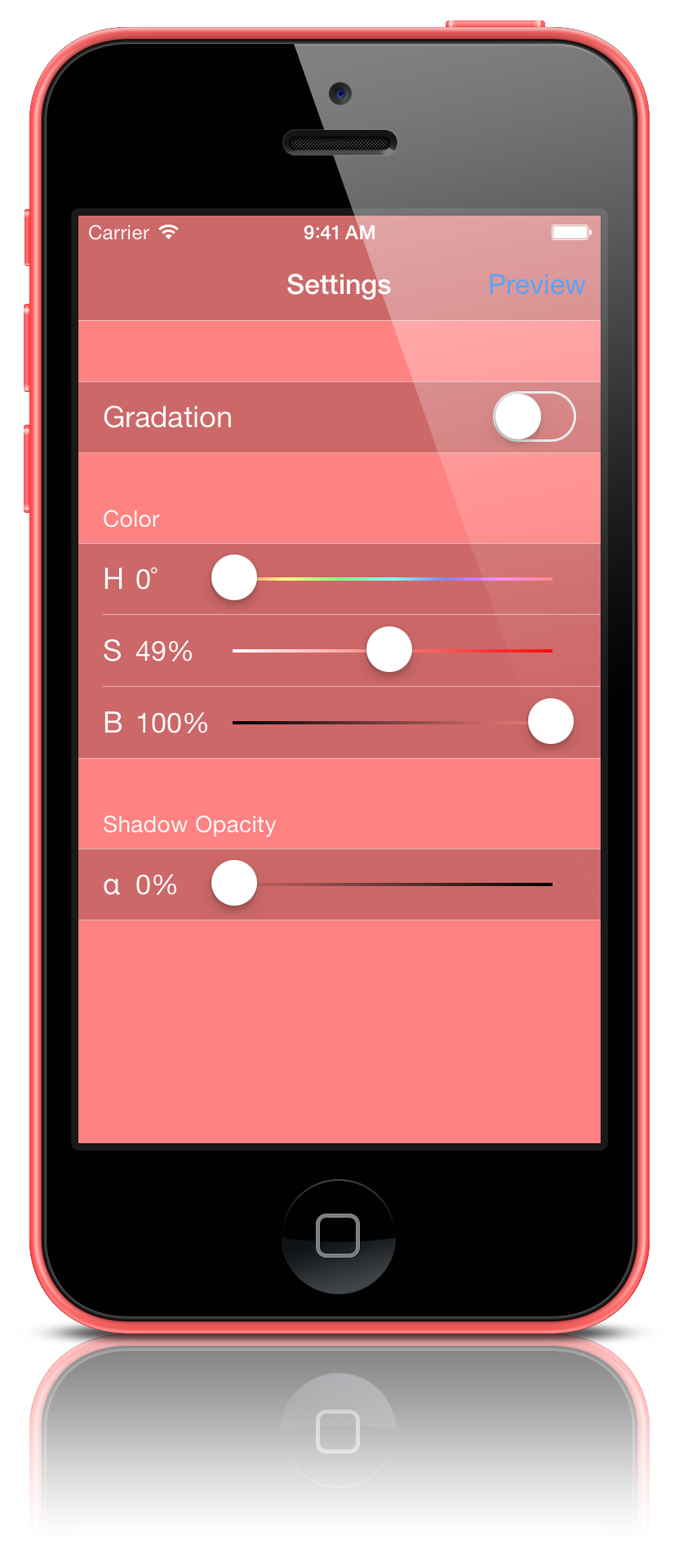
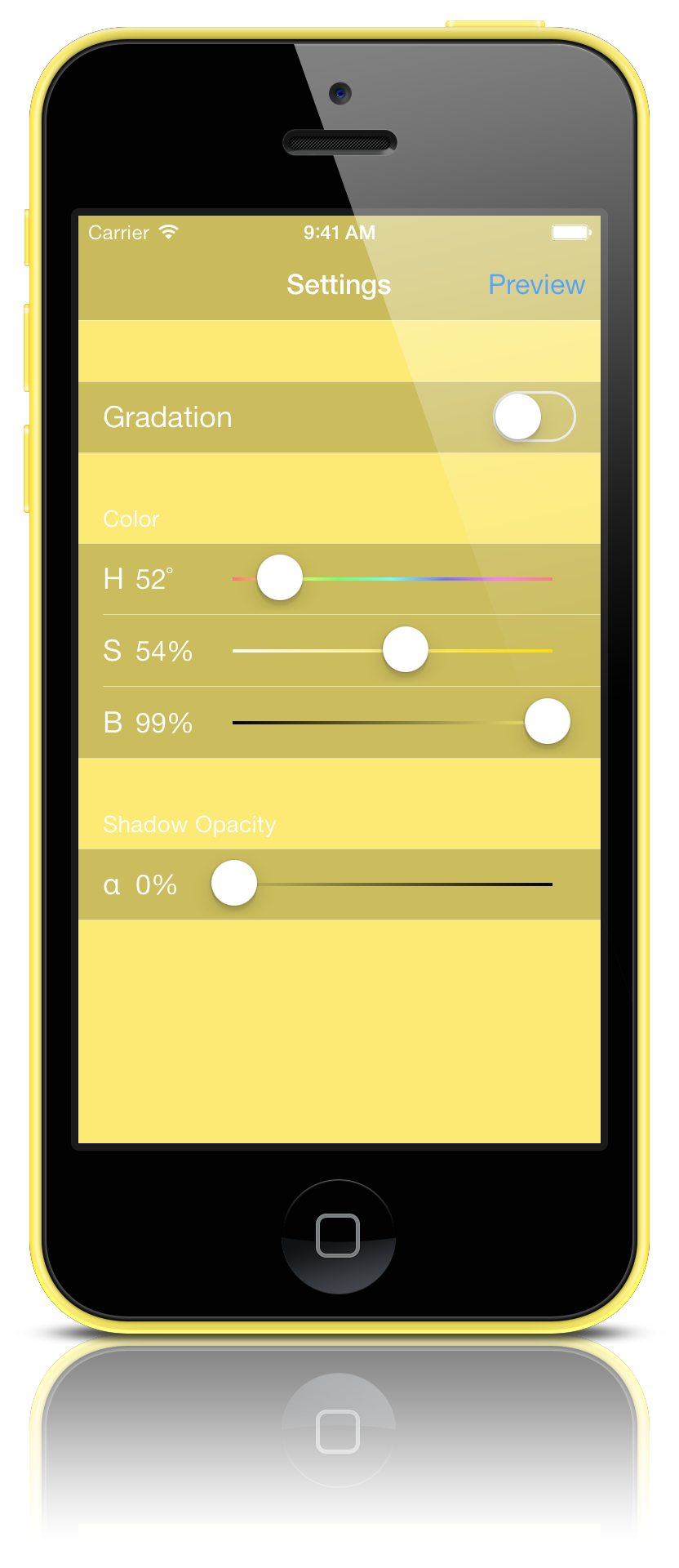
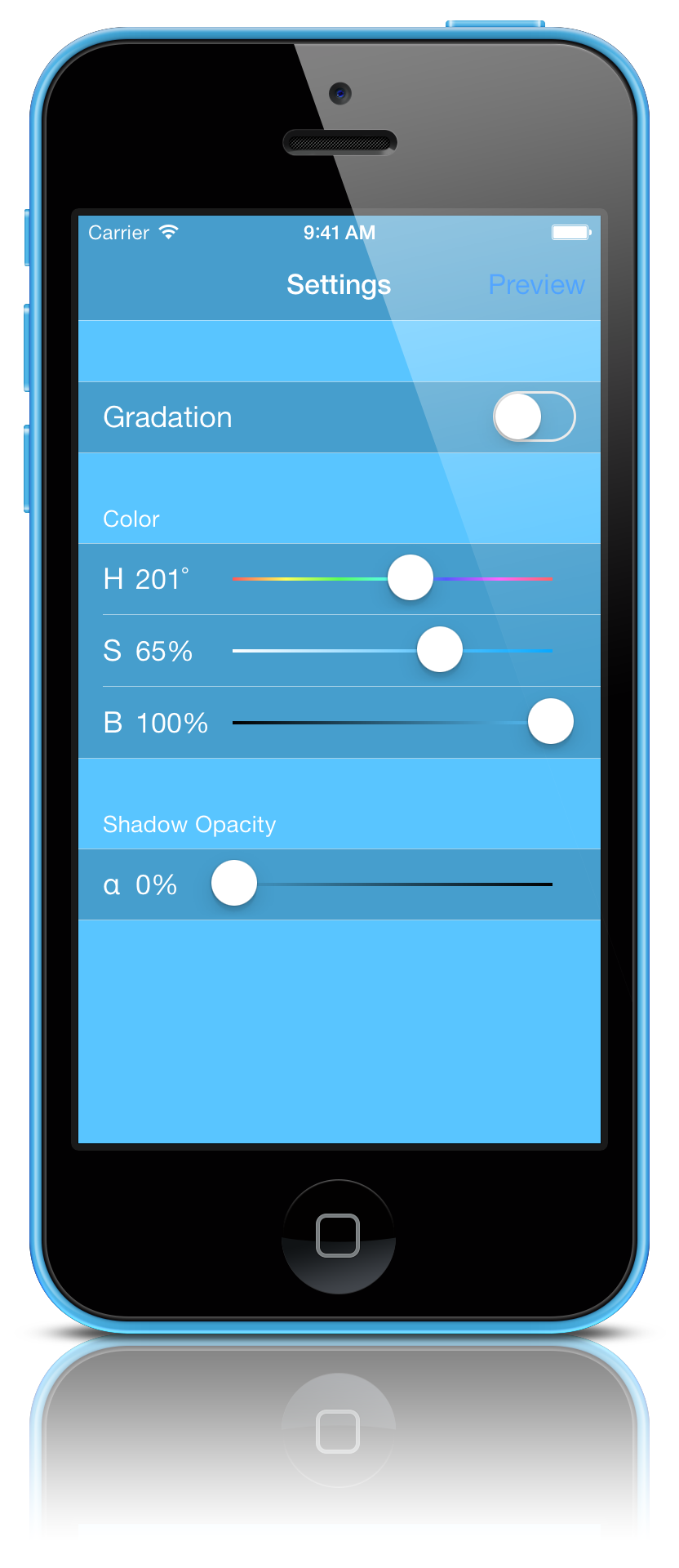
• Gradient: Turn it on to apply a top-to-bottom gradient. Turn it off to use a solid color.
• Top Color / Bottom Color: Set colors using Hue, Saturation, and Brightness.
• Vignette: Set the edge shadow color using Opacity, Hue, Saturation, and Brightness.
• Calendar: Choose the period (1 month / 2 months) and the color (Light / Dark).
【Preview】
• Preview: Tap the Preview button at the top right of the settings screen to check the Lock Screen / Home Screen.
• Save Wallpaper: Tap the preview screen and select “Save to Camera Roll” to save your wallpaper.
• Set as Wallpaper: Set it in iOS via Settings > Wallpaper > Choose a New Wallpaper > Camera Roll, or from the Photos app.
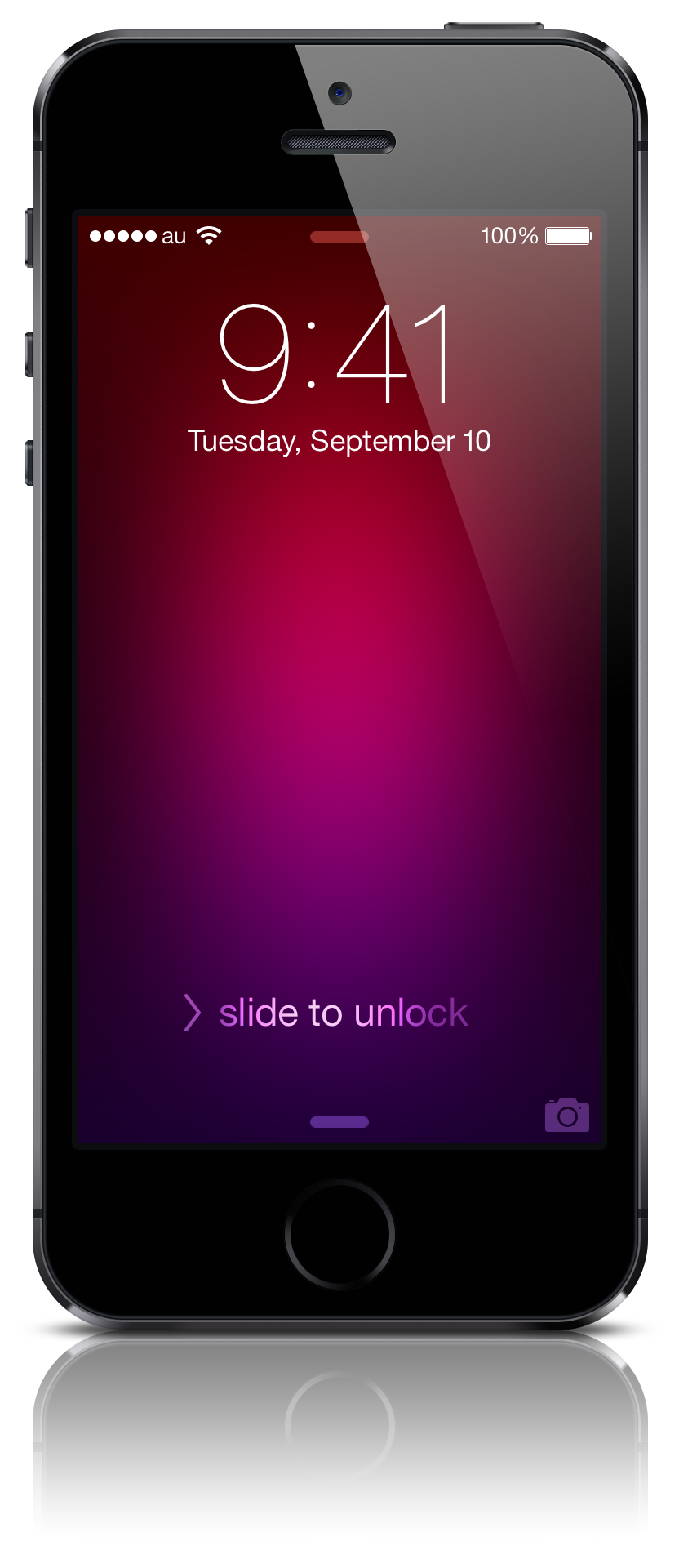
iPhone 5s Space Gray
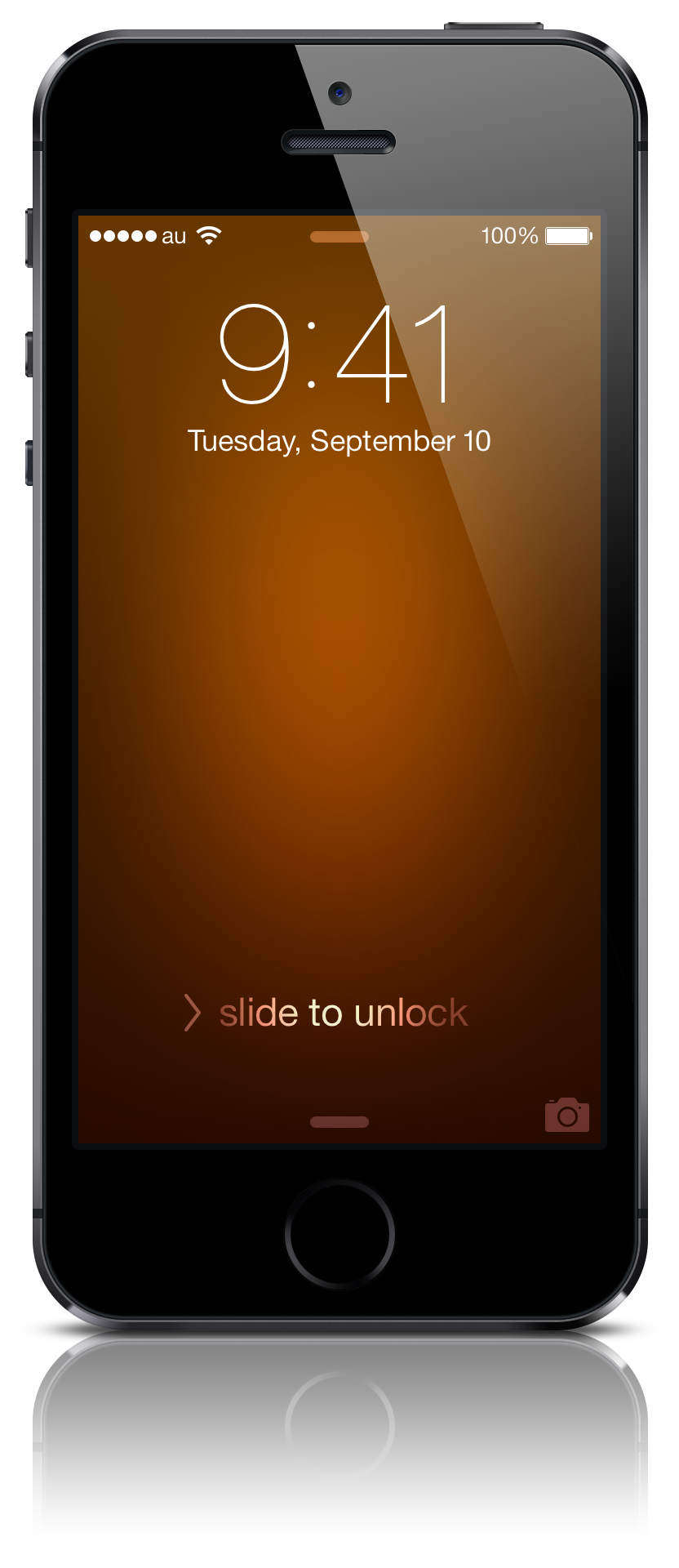
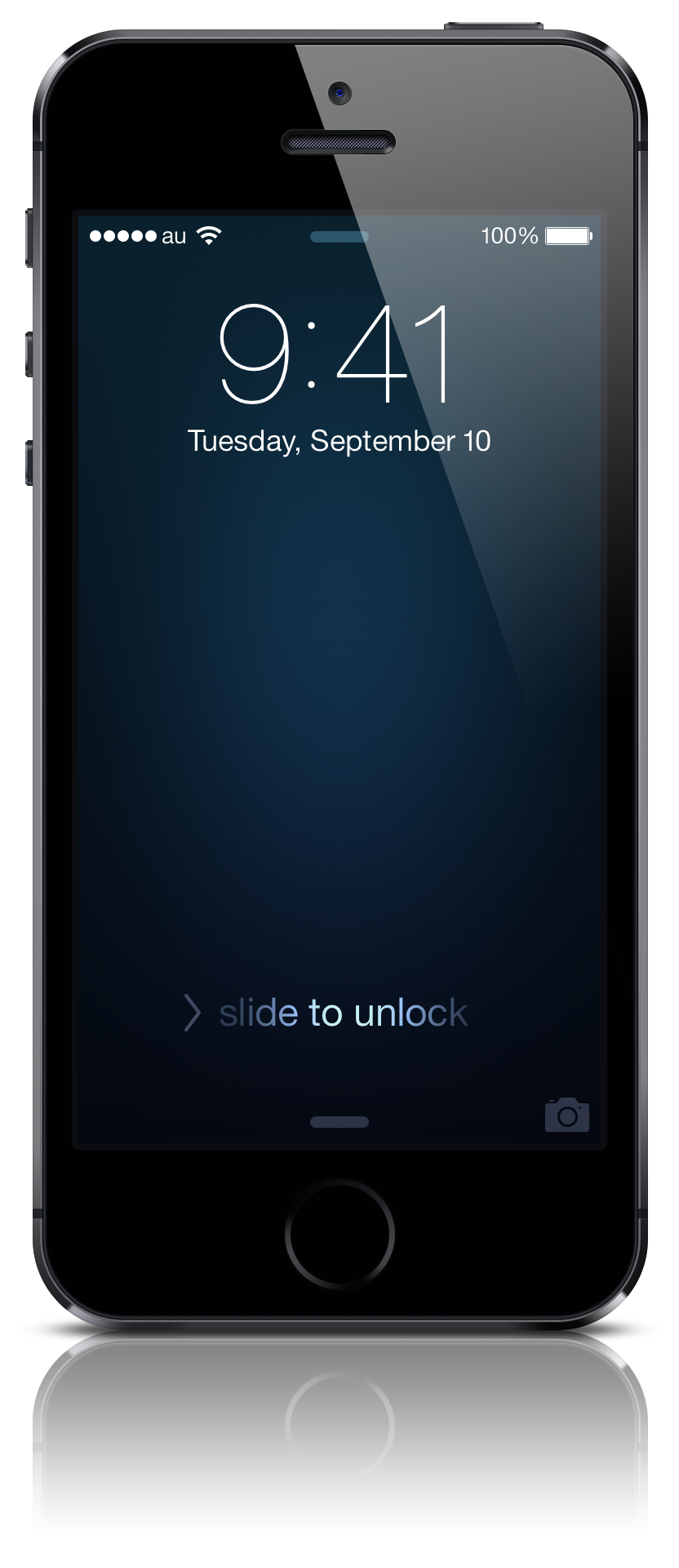
iPhone 5s Silver
iPhone 5c