• Multi Tachymeter
This app uses the principle of a tachymeter—an instrument that measures frequency or speed over a fixed period of time. By counting taps and elapsed time, it calculates the average number of taps per minute or per hour. This allows you to measure movement speed, musical tempo, heart rate, bicycle cadence, and more. Using the same principle, it can also be used to measure production output per unit time, such as factory production counts or printer output rates.
Tap the [i] button to switch between four different modes.
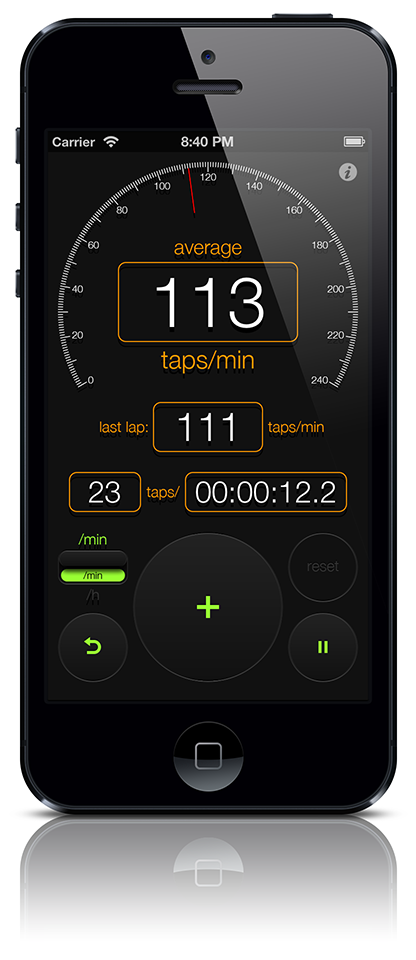
【All Purpose Mode】
Measures the number of taps per minute or per hour.
After tapping the [start] button, tap the [+] button for each event. The [average] field displays the average taps per minute or per hour. The [last lap] field shows the taps per minute or per hour for the most recent interval. Use the [/min] – [/h] switch to toggle between per-minute and per-hour calculations.
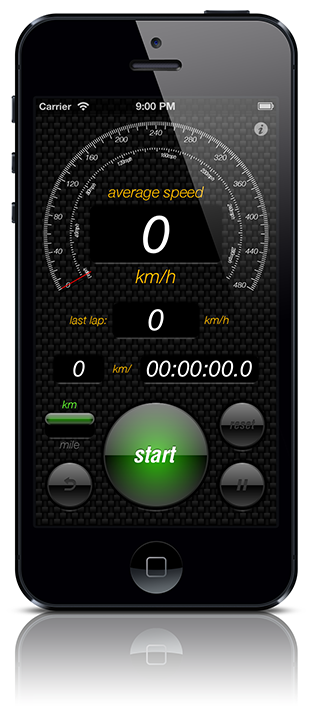
【Speed Mode】
Measures speed.
First, select the distance unit using the [km] – [mile] switch. After tapping the [start] button, tap the [km] button for every kilometer or the [mile] button for every mile. The [average speed] field displays the average speed, while the [last lap] field shows the speed for the most recent kilometer or mile.
* Once the [start] button is tapped, the distance unit cannot be changed until the measurement is reset.
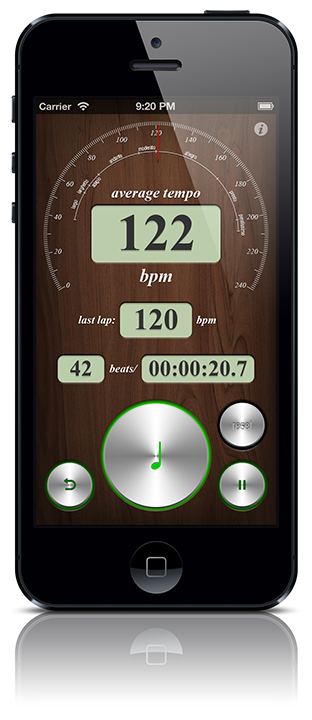
【Tempo Mode】
Measures musical tempo.
After tapping the [start] button, tap the [music note] button for each beat. The [average tempo] field displays the average tempo, and the [last lap] field shows the tempo for the most recent beat.
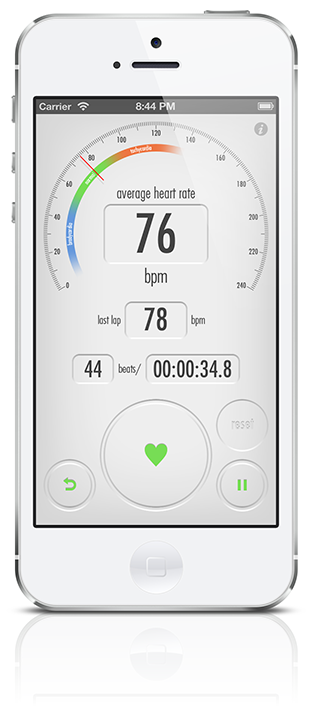
【Heart Rate Mode】
Measures heart rate.
After tapping the [start] button, tap the [heart] button for each heartbeat. The [average heart rate] field displays the average heart rate, and the [last lap] field shows the heart rate for the most recent beat.
* The labels bradycardia, normal, and tachycardia are provided as general references only.
* This app is not intended for medical use.