• Heart Rate Counter

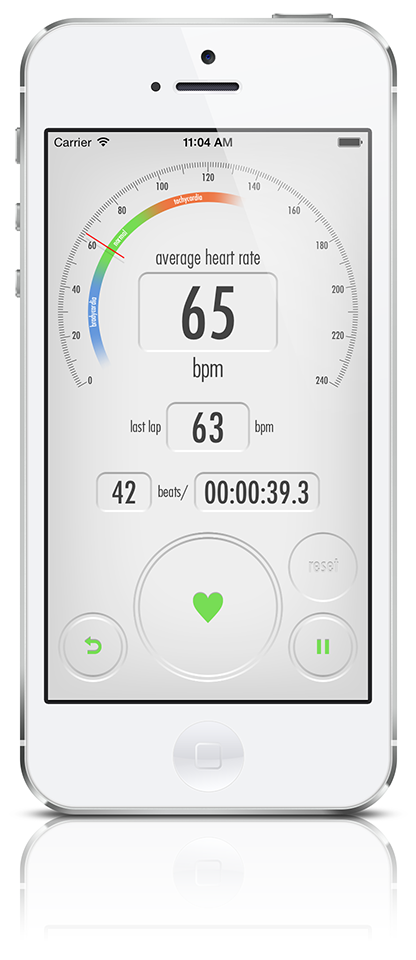

Heart Rate Counter is a simple app that lets you measure your heart rate and exercise intensity with easy operation.
Tap the [Start] button, then tap the [Heart] button once for each beat. Based on your taps, the app displays your average heart rate and the most recent beat. The heart rate value changes color depending on your condition: green for resting heart rate, blue for lower values, and yellow → orange → red as the rate increases, allowing you to intuitively understand your heart rate status.
Tap the [i] button at the upper right to open the settings screen, where you can enter your age, gender, and resting heart rate. A recommended resting heart rate is automatically calculated based on your age and gender.
When [Measure Exercise Intensity] is turned on, you can enter your maximum heart rate and choose the calculation method. A recommended maximum heart rate is calculated based on your age. You can select one of the following two methods:
• Karvonen Method: Exercise intensity calculated with resting heart rate as 0% and maximum heart rate as 100%.
• Zero-to-Peak Method: Exercise intensity calculated with 0 bpm as 0% and maximum heart rate as 100%.
After completing the settings, returning to the main screen will dim the display and switch to exercise intensity mode.
* This app is not intended for medical use. Please use it as a reference for personal health management only.